Fair by design
Assign jobs, rotate turns, or let the first volunteer claim an available chore.
 TidynestJoin the nest
Everything in its place
Create the plan once. Let reminders, widgets and clear personal views carry the everyday load.
Five calm steps
Name the job and choose its room.
One time, weekly, daily or part of a routine.
Assign someone, offer it, or leave it up for grabs.
Choose a due time and an early nudge.
Add optional pocket money and approval.
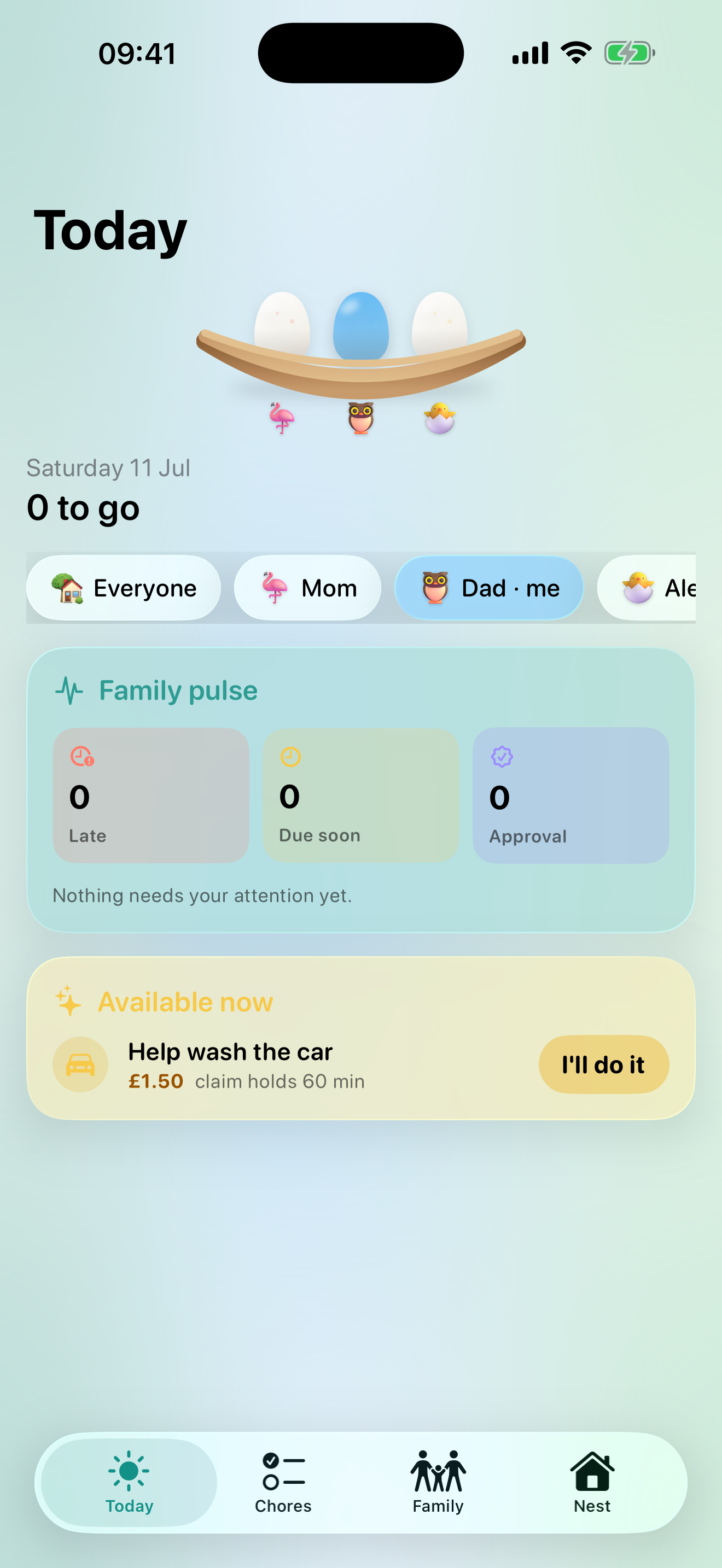
Today, at a glance
Assign jobs, rotate turns, or let the first volunteer claim an available chore.
A gentle nudge before a job is due, with useful updates when plans change.
Attach optional rewards, approve work and keep a clear family history.
See the next job and mark it complete straight from the Home Screen.
Your nest syncs privately across invited family devices using Apple services.
Parental PIN, role-aware screens and approval states keep the important controls with adults.